Browse all 48 business apps by service niche. Compare Windows desktop and browser-based tools for electricians, pool cleaners, appliance repair professionals, and other small service businesses.https://thedigitalmarket.store/blog/small-business-software-guides/
Explore the complete app catalog: Browse all 48 business apps by service niche, with Windows desktop and browser-based options for electricians, pool cleaners, appliance repair professionals, and other small service businesses.
The carpets are clean. The equipment is back in the van. Then comes the part that can eat up the rest of your evening: figuring out what was quoted, what changed, and who still owes you money.
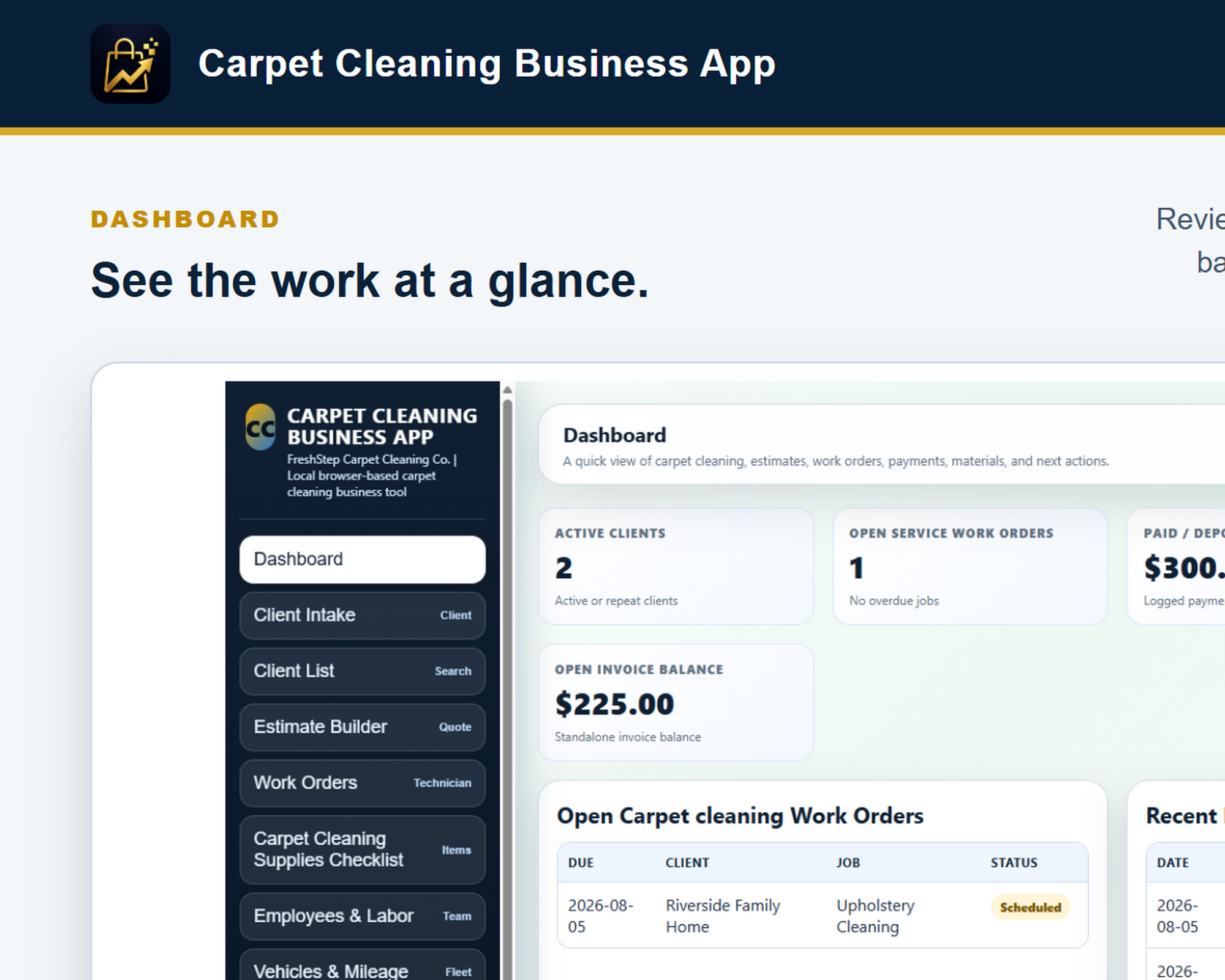
For an independent carpet cleaner, a useful office routine starts before the first room is cleaned. Here is a practical way to keep the details together, using the Carpet Cleaning Business App for Windows.
1. Write down the job, not just the customer’s name
A name and phone number will get you to the conversation. They will not tell you which rooms were included or where the invoice should go. Keep the customer and service-location records together, and use separate service and billing addresses when they differ.
Before quoting, work through a short checklist: rooms and areas to clean, stairs, requested services, access arrangements, and anything the customer expects you to move or work around. Confirm the scope with the customer so both of you are talking about the same job.
2. Make the estimate clear enough to check later
“Carpet cleaning” is a pretty thin description when someone asks what a price includes. Break the estimate into understandable services and room or area details. The app supports room and area estimates, reusable service descriptions, and default prices you can review and edit for each job.
For example, a customer might request three bedrooms and a hallway, then ask about stairs when you arrive. Record and agree on that change before doing the additional work. A clear estimate and work order give you something concrete to refer back to.
3. Close out the paperwork while the job is fresh
At the end of the job, review the work performed and prepare an itemized invoice. Each line can include a service title, description, quantity, and rate. The Windows app calculates invoice totals and the remaining balance after recorded payments, and lets you print or save a customer-ready PDF.
You can also create an invoice directly, without first making an estimate or work order. That is useful for a straightforward repeat job. The app records payments; it does not process cards or automatically email invoices. You send the invoice and collect payment through your chosen methods.
4. Keep repeat work from becoming repeat paperwork
A returning customer should not mean starting from scratch. Customer history, follow-up reminders, reusable services, and customer-specific rates help keep the next visit organized. For suitable recurring service arrangements, the desktop app can generate monthly invoice drafts when you choose. Review and save each draft before sending it; this is not automatic billing.
5. Give the office a simple end-of-day routine
Check which jobs still need invoices.
Record deposits and payments, and review outstanding balances.
Enter supplies, expenses, and mileage while the details are fresh.
Set the next follow-ups.
Export a dated backup and keep a copy somewhere safe.
The goal is simple: tomorrow morning, you should be able to see where things stand without hunting through messages, loose notes, and yesterday’s memory.
Carpet cleaning software without a monthly subscription
The Carpet Cleaning Business App desktop edition is a one-time $59.95 digital purchase for a compatible Windows computer. It includes the installer, setup instructions, backup guidance, and buyer support. No subscription or online account is required, and business records stay locally on your computer.
Local storage also means you are responsible for backups. This edition does not include cloud synchronization, shared technician accounts, or a customer portal. It suits an owner-operator who wants a practical office workspace on a Windows computer. The Mac desktop edition is still in development.
Appliance repair work gets complicated when customer details, estimates, work orders, payments, and follow-ups are scattered across notes and spreadsheets.
A steadier workflow for every service call
A simple local workflow can keep the job moving from the first customer call to the final follow-up:
Capture customer and appliance details once.
Build estimates and work orders from the same record.
Track payments, job status, and next actions.
Keep follow-up notes available when the customer calls back.
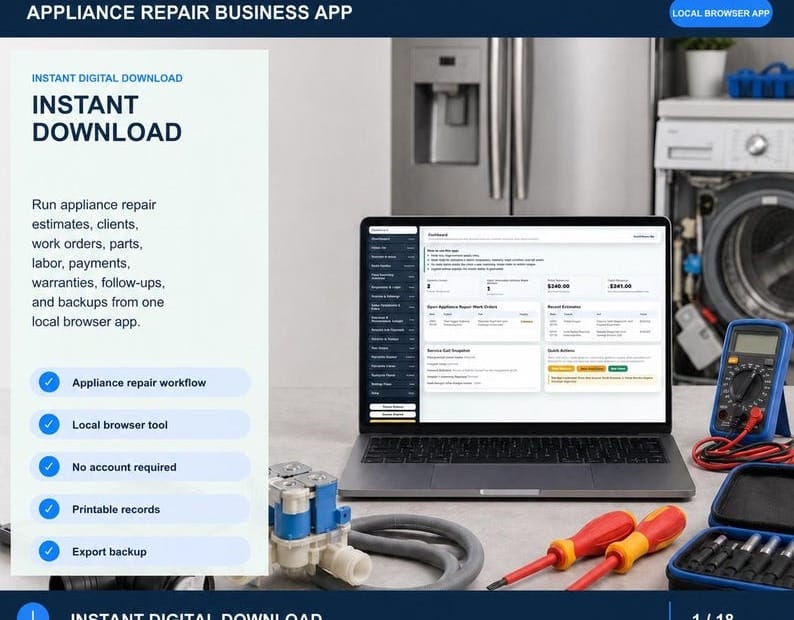
The Appliance Repair Business App is a practical browser-based business tool for repair professionals who want organized records without a monthly subscription. It runs locally, keeps the workflow focused, and is designed around the work appliance repair companies actually do.
Whether you handle a few calls a week or manage a full service schedule, a consistent process makes it easier to see what is open, what is paid, and what needs attention next.
Running a pool service business means managing a steady rhythm of recurring visits, customer requests, water-care notes, equipment checks, and follow-up work. A dependable workflow helps you finish each visit thoroughly while keeping the next visit easy to understand.
Start with a clear customer and property record. Keep the contact information, service address, pool type, equipment details, access instructions, and preferred service schedule together. When those details are easy to find, you spend less time searching and more time preparing for the work.
At each visit, record the practical details while they are fresh. Note the date, readings, cleaning tasks, chemicals or supplies used, equipment observations, and anything that needs attention. A short, consistent visit record is more useful than trying to reconstruct the work at the end of the week.
Recurring service also depends on good follow-up. Flag repairs, estimates, parts, customer questions, and return visits before they disappear into a notebook or a crowded inbox. A visible next step helps prevent small issues from becoming missed appointments or unhappy customers.
It helps to separate completed work from open work. At the end of the day, review which pools were serviced, which customers need a message, and which jobs require another visit. This simple closeout habit gives you a clearer picture of tomorrow before tomorrow begins.
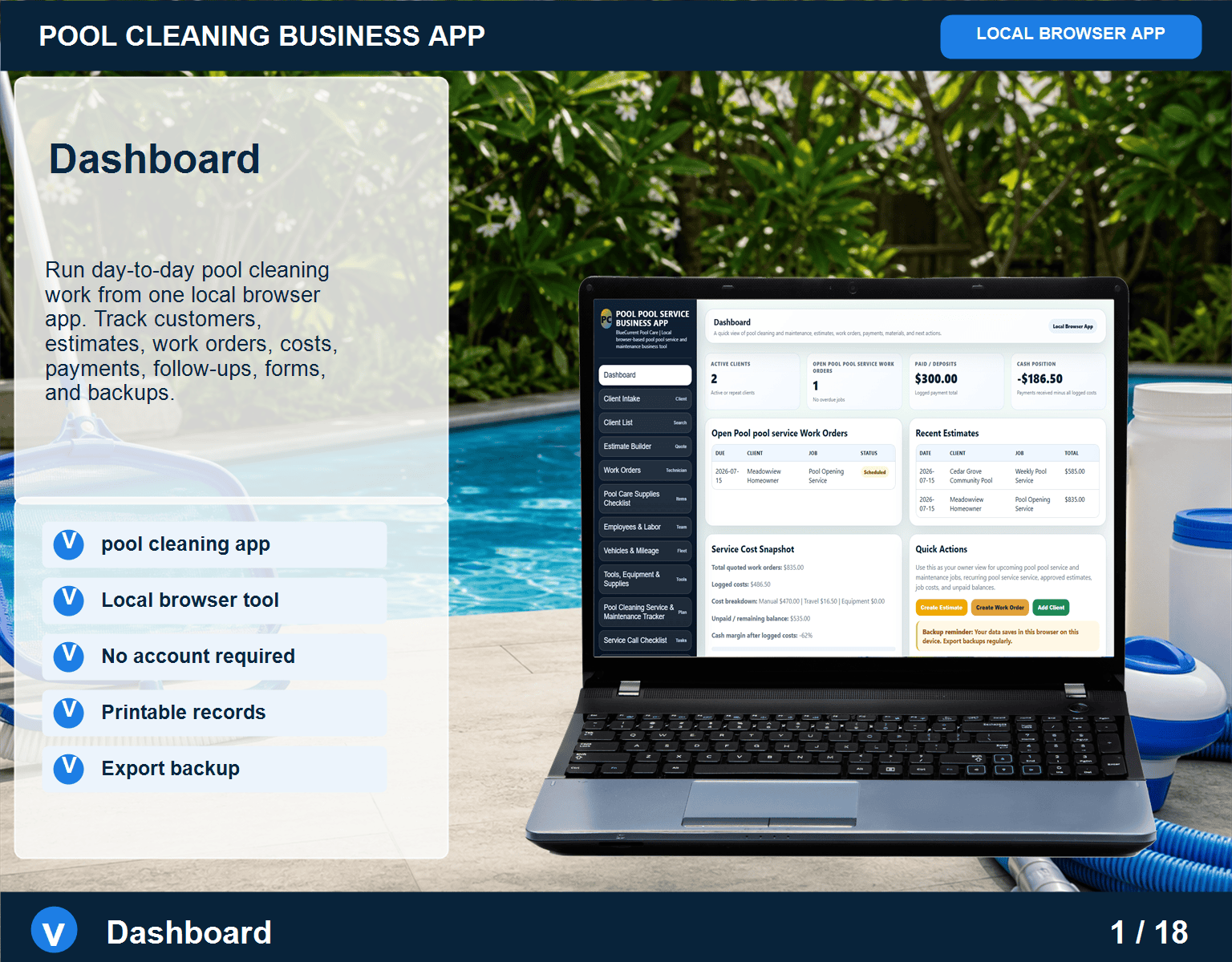
A purpose-built tool can make this process easier by keeping pool-service customers, job notes, visit information, and follow-up tasks organized around the work you actually do. If you are looking for a focused option, explore the Pool Cleaning Business App and see whether it fits your service routine.
The goal is not to create more administration. It is to build a repeatable record of the work, so you can serve customers consistently, find important details quickly, and keep the business moving even during a busy season.
Small service businesses rarely need more software for its own sake. They need dependable tools that reduce friction, keep information organized, and make everyday work easier to manage.
When comparing software, start with the workflow rather than the feature list. Write down the tasks you repeat most often: answering inquiries, scheduling visits, recording customer details, preparing estimates, tracking job status, and following up. A useful app should support those tasks without forcing your business into a completely different routine.
Pay attention to how your information is stored. Ask where customer records live, how backups work, whether you can export your data, and what happens if you stop using the product. Clear answers matter because your customer and job history is part of the value you build over time.
Pricing also deserves a closer look. A subscription may be worthwhile when it provides an ongoing service you truly need, but it is not the only model available. A one-time purchase can be a practical fit for owners who prefer predictable costs and a tool that remains available without another recurring bill. The right choice depends on your workflow, support needs, and comfort with managing updates.
Do not overlook simplicity. An app that looks impressive but takes too many steps to complete a routine task may slow the business down. During a trial or demonstration, test a real example from beginning to end. Enter a customer, create a job, update its status, add notes, and find the record again. That small test often tells you more than a long list of features.
Support is part of the product. Look for clear documentation, a way to contact a real person, and an explanation of how updates and compatibility are handled. Practical support is especially important for small teams that cannot afford to lose a day learning a complicated system.
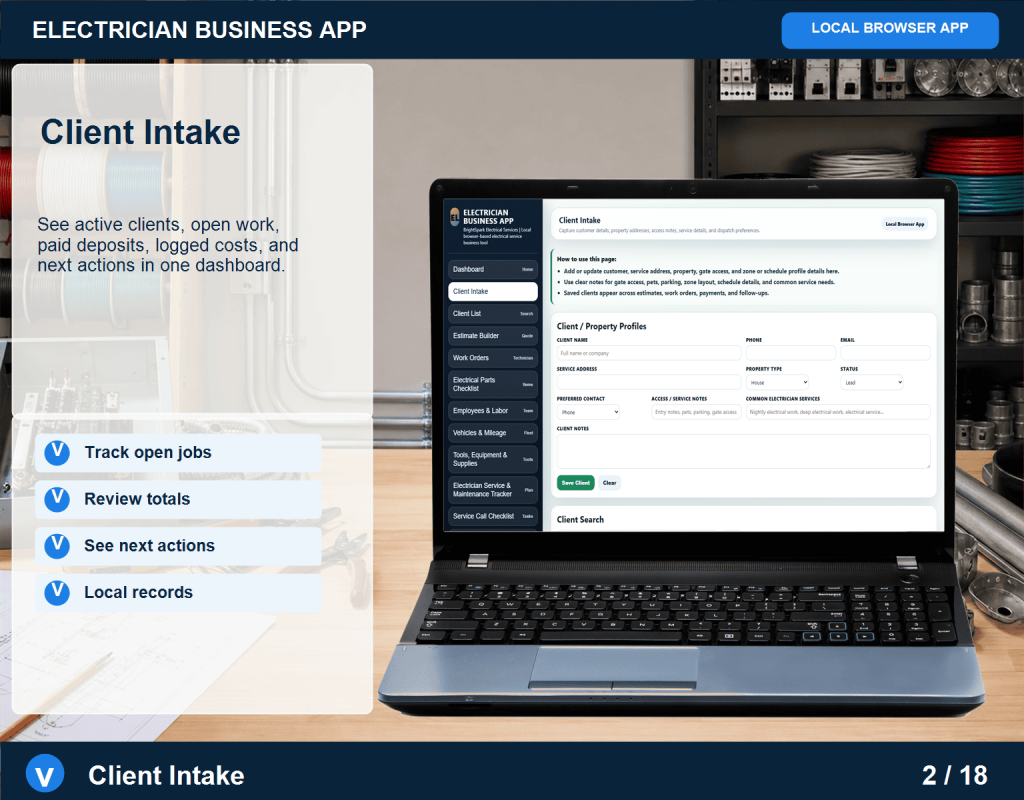
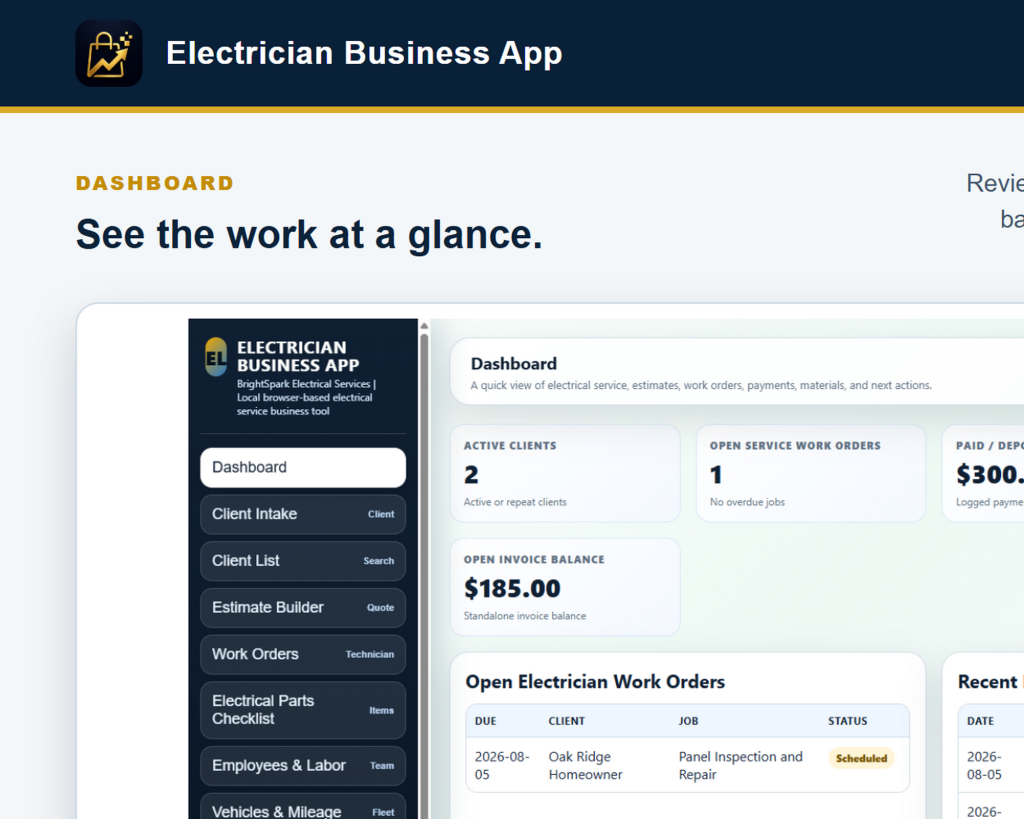
The best software is not necessarily the biggest platform. It is the tool that matches the business, respects the owner’s time, and keeps important information accessible. Start with the work you do every day, define what you actually need, and choose a solution that stays out of the way while helping you get the job done. See the Electrician Business App to compare a purpose-built tool with your daily workflow.
A busy service day gets easier when the basic work is handled in the same order every time. A simple routine reduces missed details, keeps customer information organized, and gives you a clear record of what happened after the truck is back in the driveway.
Start with the schedule. Before the day gets moving, review appointments, addresses, contact details, and any notes from the last conversation. Confirm what the customer needs, what information is still missing, and which jobs require a follow-up call or a return visit.
Next, capture the customer and job details while they are fresh. Record the customer’s name, preferred contact method, service address, equipment or system involved, and the reason for the call. A few accurate notes at the beginning can save several phone calls later.
During the visit, document the work in plain language. Note what you found, what you tested, what you repaired or recommended, and what the customer should expect next. Avoid relying on memory at the end of a long day. A short, consistent job note is more useful than a detailed recollection written days later.
Before closing a job, check the practical finish line: Is the customer clear about the result? Has the next appointment or estimate been recorded? Are parts, payments, and follow-up tasks accounted for? This final check turns a completed visit into a complete business record.
End the day with a five-minute review. Mark finished work, flag anything that needs attention tomorrow, and make sure important records are backed up. Small service businesses do not need a complicated process to stay organized. They need a dependable process that is easy to repeat.
Purpose-built software can help by keeping scheduling, customer notes, job information, and business records together. The best system is the one that fits the way you actually work, does not create unnecessary administrative steps, and leaves you with information you can find when you need it. Explore the Electrician Business App for a practical example of this workflow.
Welcome to The Digital Market Store Blog. We share practical guides, checklists, and software tips for owners of small service businesses. Explore our business apps for electricians, appliance repair professionals, and other local service teams.